
Article · Home security
Meet Gorf, Your Home's Security Officer
Home security built for your needs, not some other company's. Gorf, son of Grok, of house Musk, stands watch on top of the gear you already own, reports to the captain, and earns its post one step at a time.
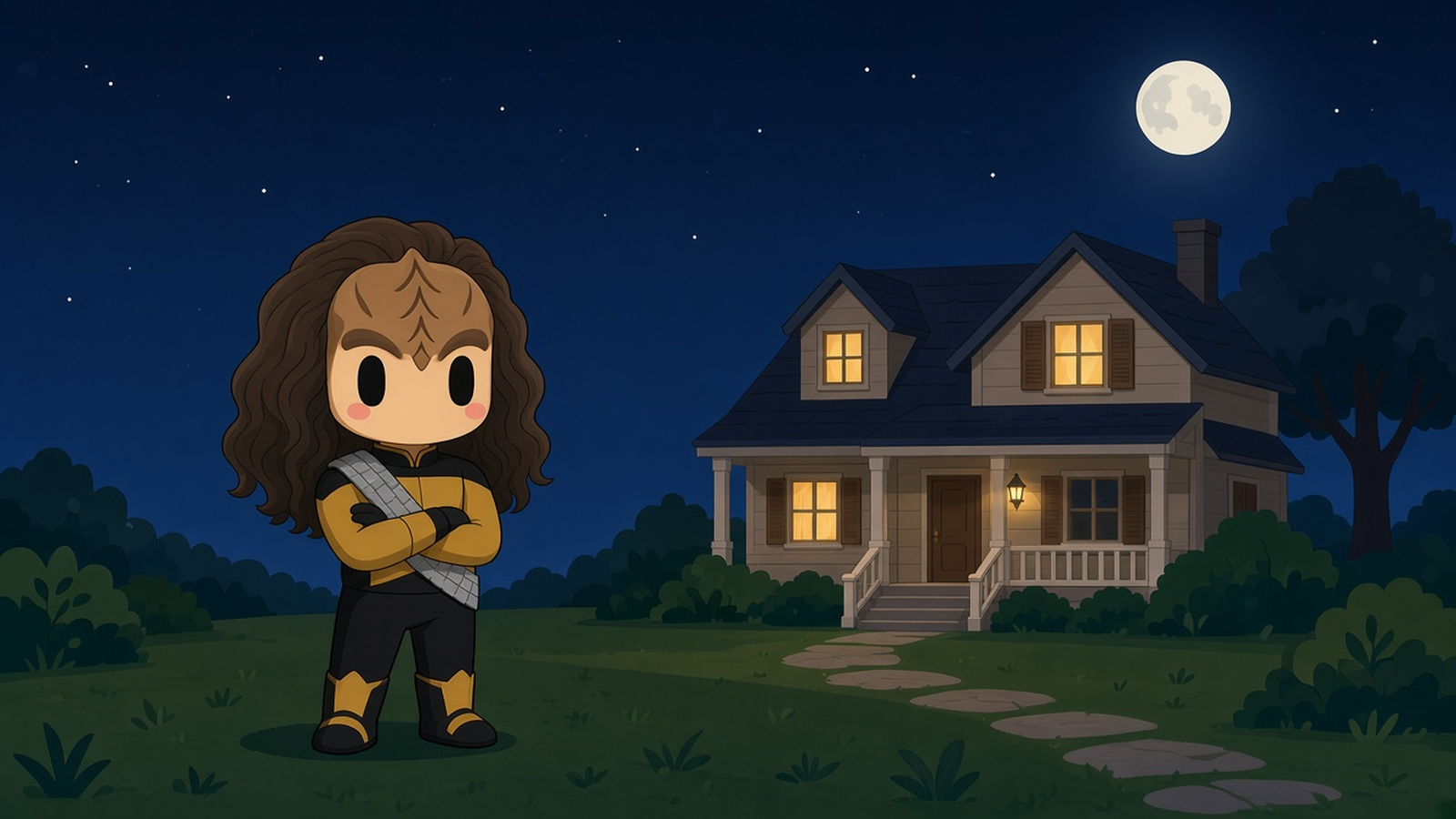
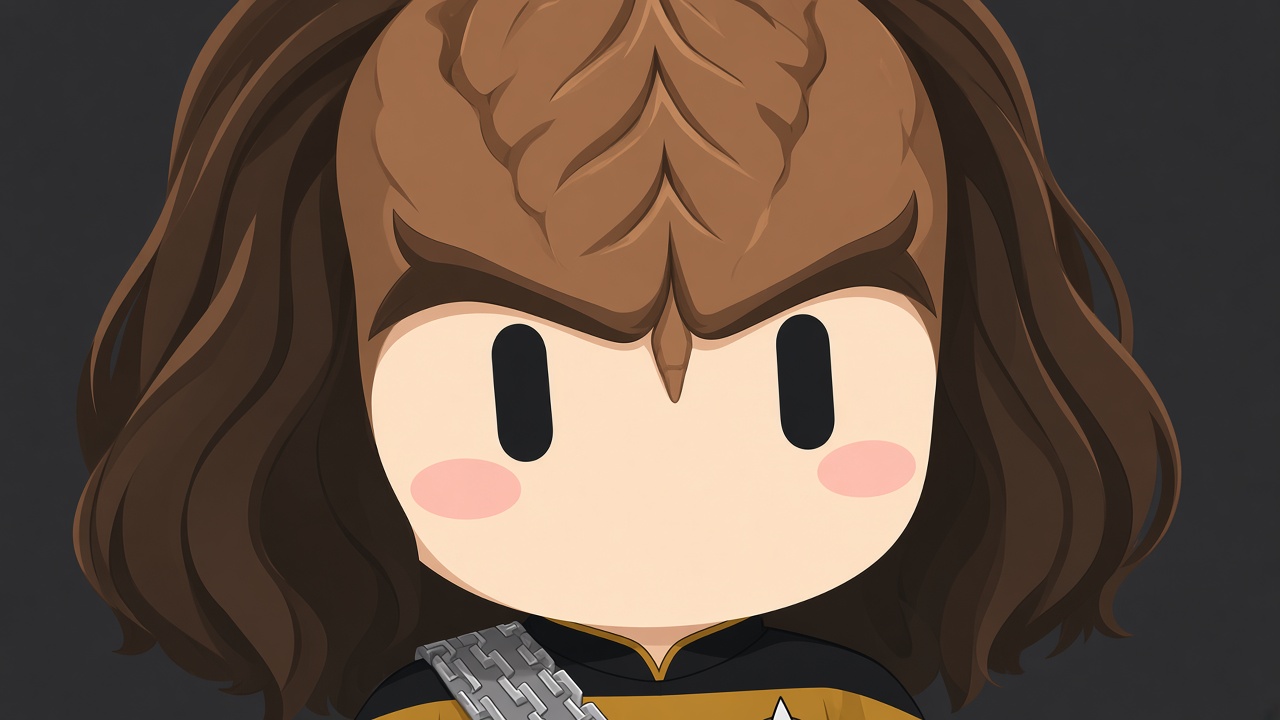
Home security built for your needs, not some other company's. Own your own equipment and monitoring without a monthly payment to someone else.
Meet Gorf, son of Grok, of house Musk. Gorf is a bot built to be your home's security chief, Klingon-style. Gorf stands watch and reports to the captain. The captain is you.
At our house, Gorf is on duty right now under a test name, Worf. Of course it is. Gorf is the public version, and you can start your own today: Gorf, son of Grok, of house Musk. Ours is still in its side-by-side test. Honor demands it.
Today is a good day to test
Owning your security doesn't mean ripping out your alarm on day one. A good officer earns the post. Leave your alarm exactly where it is, add Gorf as a listener on top, and run the two side by side. At our house, the existing alarm stays on and stays in charge during the test.
The bridge: four pieces in a line
Sensors and cameras. The door sensors, motion sensor, and cameras you already own.
A home hub. A program called Home Assistant runs on a spare older desktop that stays on. It collects what the sensors and cameras report. A companion program called Frigate can watch the camera feeds on that same computer and pick out a person, a car, or a package.
A doorbell to the bot. When the hub sees something that matters, it sends a short automatic message, called a webhook, that wakes Gorf. We talked the other day about letting the event wake the bot.
The captain. Gorf sorts the event and reports to you in plain language. "Front door opened two minutes ago."
One rule of the ship: the video stays home. Gorf doesn't watch live video. It gets the event as text, plus a snapshot only from cameras you opt in. Indoor snapshots stay off unless you ask.
Equip the officer with what you have
Your sensors may talk over the air. Many older wireless sensors broadcast a simple radio signal. A small radio stick on the hub computer can listen and feed them to Home Assistant, with no alarm panel in the middle. Some newer sensors are encrypted and won't work this way. Test one door before you count on it.
Your cameras may be locked to an app. Many professionally installed cameras only stream through the company's own app. Unofficial community bridges exist, but they can break. Treat them as a stopgap.
Your phone and speakers carry the red alert. The Home Assistant phone app can send alerts, and smart speakers in the house can announce "Someone's at the door." During a test, keep alerts to one person so nobody else in the house gets confused.
Keep a log
A good officer keeps a log. Ours keeps a scorecard. Which events did the real alarm catch that Gorf missed, and the other way around? How many false alarms a week? How fast did the report reach my phone?
That log tells you when Gorf is ready.
When to sound red alert
Every camera sees a tree move. So give Gorf two lists.
Red alert: a door opening while the system's armed or late at night, a person on camera at night, smoke, a camera or the hub going offline for more than about fifteen minutes.
Log it for later: family coming home, deliveries during the day. Batch those into a summary.
A security officer reports. The captain decides.
Gorf is read-only. It never arms, disarms, unlocks, or changes any device. It never calls police or 911, and it never claims to be a monitored alarm. Smoke detectors keep their own sirens.
Give the officer the keys only after it has proven it has good eyes.
How Gorf earns rank
Step one: stand watch. Hub up, webhook wired, Gorf reporting.
Step two: serve side by side. Our goal is thirty or more days where Gorf catches the same events as the real alarm, with few false alarms.
Step three: patch the hull. Fix the holes the scorecard finds.
Step four: take the post, only when the numbers say so. This is when the equipment and the monitoring become truly yours. Name a backup person. Run a drill: open every door, pull the internet once, and make sure the reports still come.
Step five: share it. That's Gorf, a template anyone can start from on their own account, with their own hub.
Level up, once the post is earned
After cutover, two optional upgrades. Both stay off until you turn them on.
Faces you choose. Face matching can be an option you program, and it only checks against a short list you build: the family, current employees, or someone who's been trespassed from your property. It isn't logging and recording everyone who walks by. A face that's not on the list stays a "person at the door." A match should verify, never decide alone. Keep that list on your own computer at home. At work, tell employees, get their consent, and check local rules first.
A phone key. Your phone's location can tell the system you're home, and the phone app can help disarm or unlock. But phones get lost and stolen, so pair it with a second check, like a PIN, and keep a manual way in.
Either way, Gorf reports. The captain decides.
What Gorf is not
A brave officer still isn't 911. Nor a dispatch center. If there's a break-in or a fire, call the police or the fire department. If you pay for professional monitoring, keep it while you test. Dropping it is the finish line, not day one. If your system is complicated, or you're not sure what you're allowed to change, talk to an installer. Sometimes the answer is a specialist on the ground, not a bot.
Try it once this month
Don't wire the whole ship. Pick one door. Get one sensor or one camera talking to a home hub, and have it wake your bot with a plain report to you. Leave your real alarm alone.
Let your officer stand watch for a while. Then let the log decide when it earns the post.
Want a setup built around your home or shop? Reach out through sideshopai.com for an individualized security monitoring plan, fit to your needs, from advice on what you already own up to full equipment and installation.